Your facts come first.
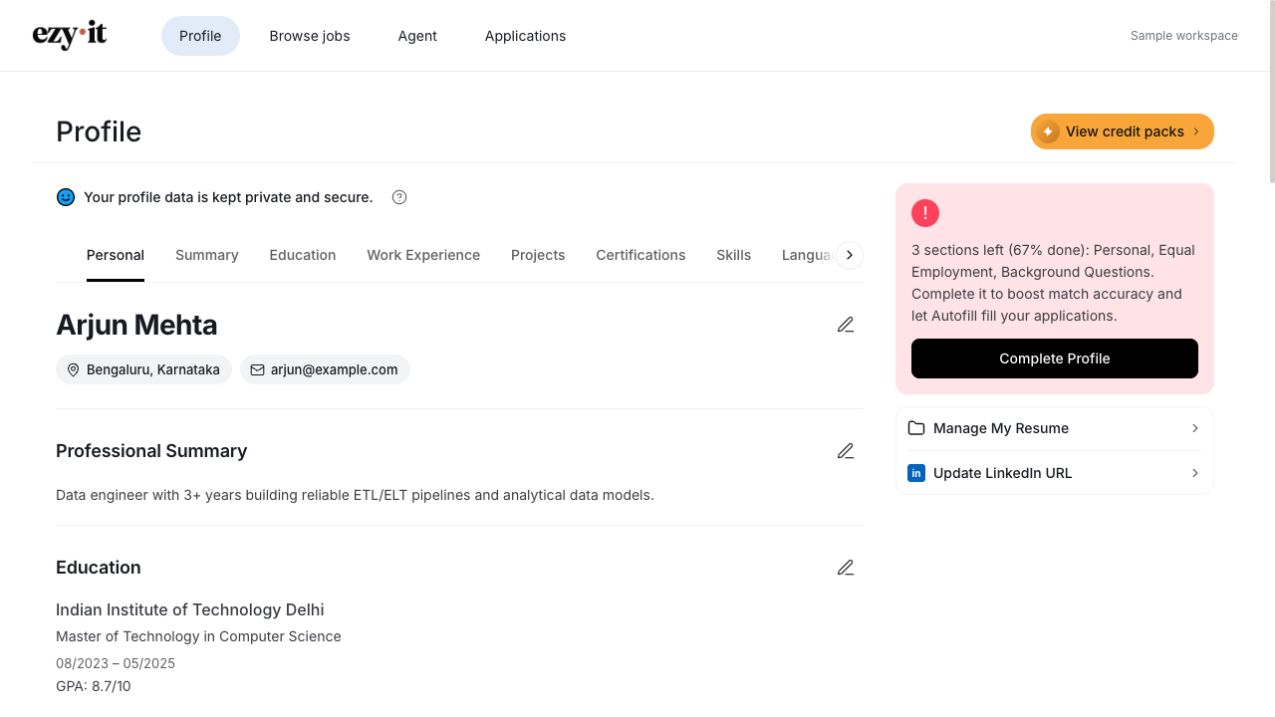
Your profile is the starting point. Review your experience and preferences before putting them to work.
HOW EZY·IT WORKS
Bring your experience. Choose your next move. Let Ezy help with the applications in between.
Built for desktop Chrome
From your experience to your next application.
Explore all four stepsUpload your resume and review your profile. Add the roles, locations and work style you’re looking for, so your search starts with you.
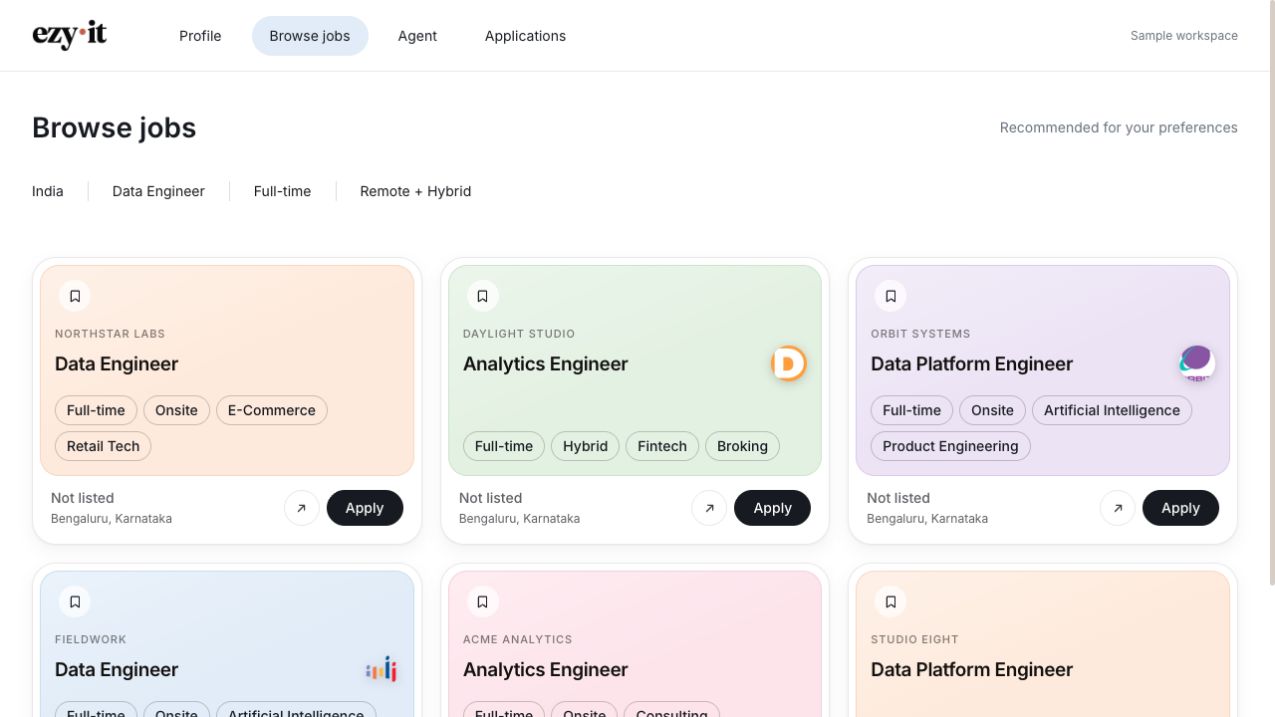
Browse roles in one place, narrow down your preferences and take a closer look. Choose the opportunities you want Ezy Agent to help with.
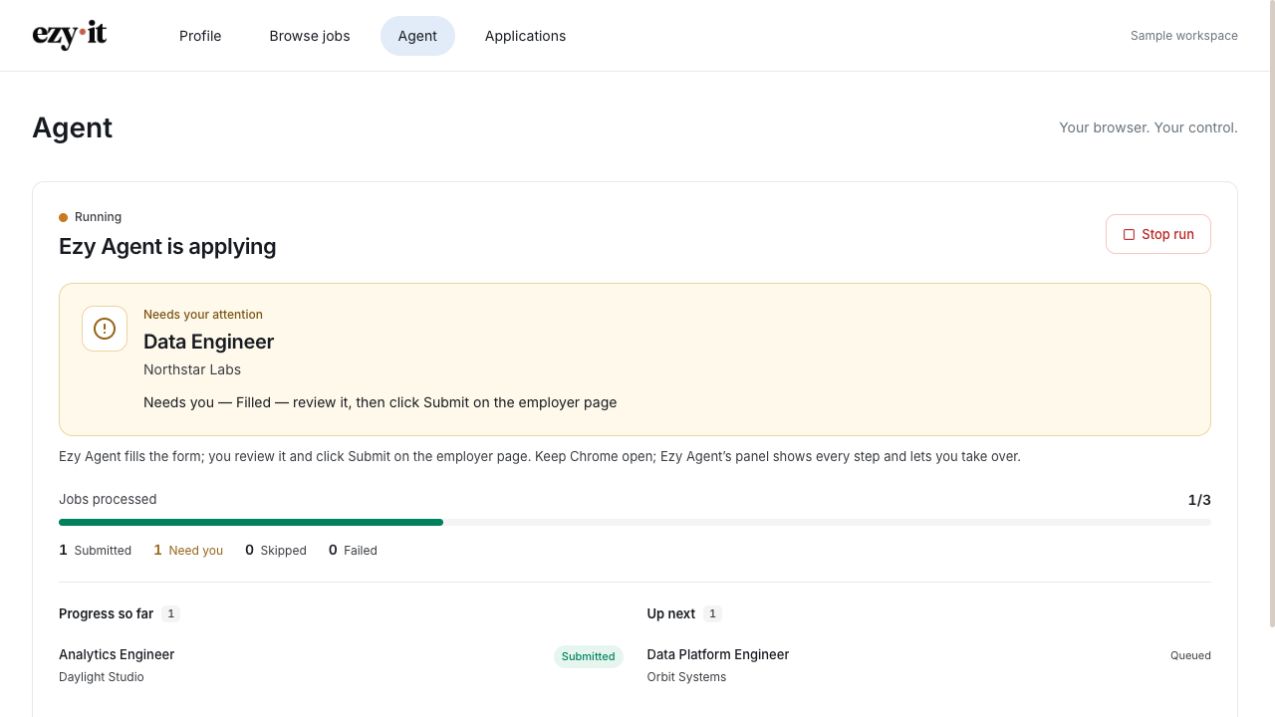
Keep Chrome open while Ezy Agent fills applications from your profile using the Ezy·it extension in desktop Chrome. With review mode on, check the details and submit on the employer’s page. Ezy pauses when a site needs you.
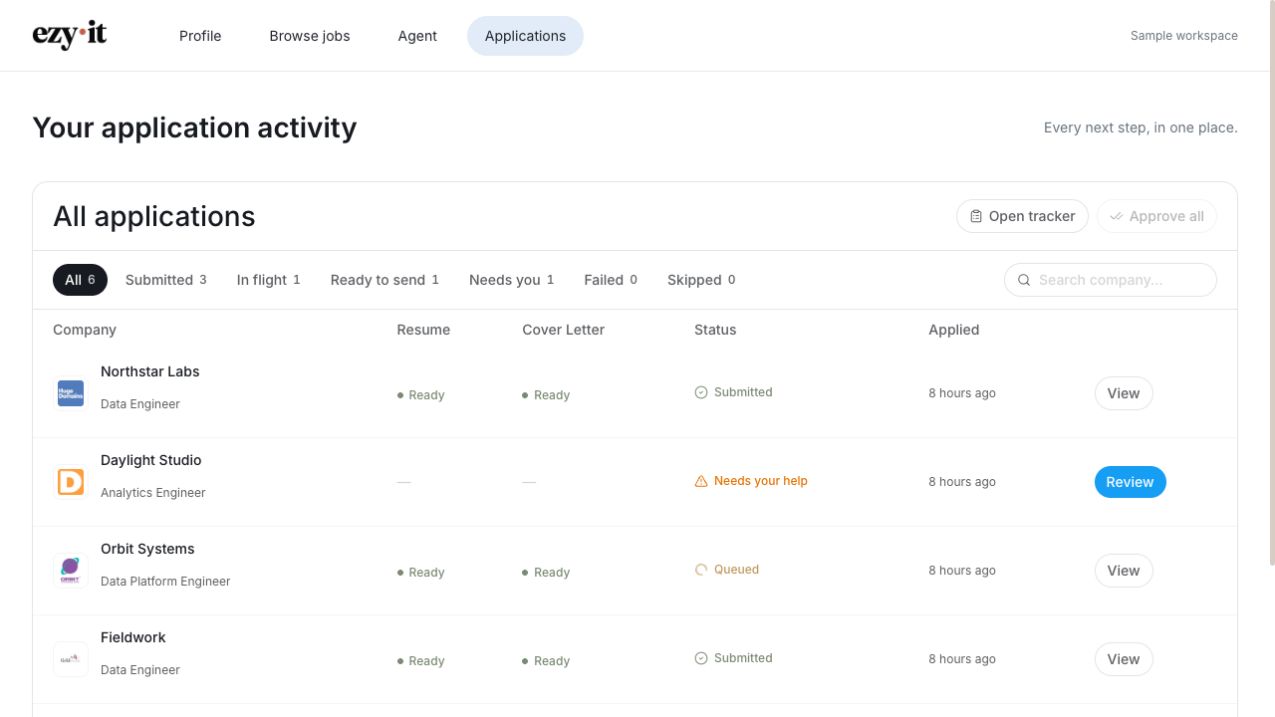
See what’s submitted, what’s in progress and what needs your attention. Return to your application activity whenever you’re ready for the next step.
A LITTLE GUIDANCE, RIGHT HERE
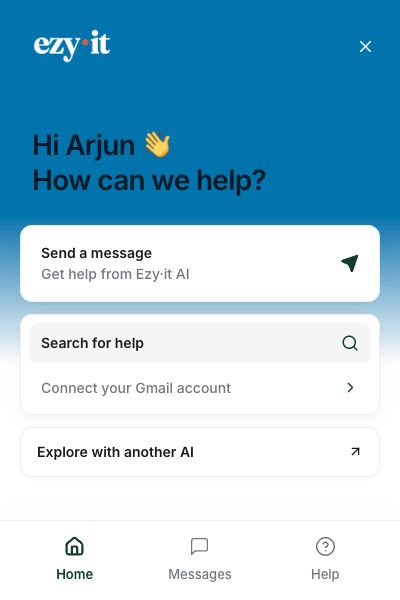
Meet the helping hand in your workspace. Get answers about Ezy·it, understand your credits, or find your next setup step without losing your place.
IN THE APPS YOU ALREADY USE
Explore setup for your AI app or messaging channel. Availability and requirements vary.
Choose an app to see its setup and availability.
A LITTLE HELP. ALWAYS YOUR CALL.
Your profile is the starting point. Review your experience and preferences before putting them to work.
See Ezy Agent’s progress in Chrome as it fills and submits for you. Turn on Review to check each one, and take over whenever a site needs your input.
Follow application statuses in your workspace, including the ones waiting for your attention.
BEFORE YOU BEGIN
The details that put you in control.
Yes. Applications run through the Ezy·it extension in desktop Chrome. Keep Chrome open while a run is active.
Yes. Ezy fills and submits your applications for you — turn on Review if you'd like to check each one before it's sent. With Review on, you check the filled details and submit on the employer’s page yourself.
Ezy pauses when a site needs you, such as for a sign-in, verification or a question requiring your answer. Check the application status and continue from there.
YOUR NEXT MOVE
Start with your profile. Take it from there.